
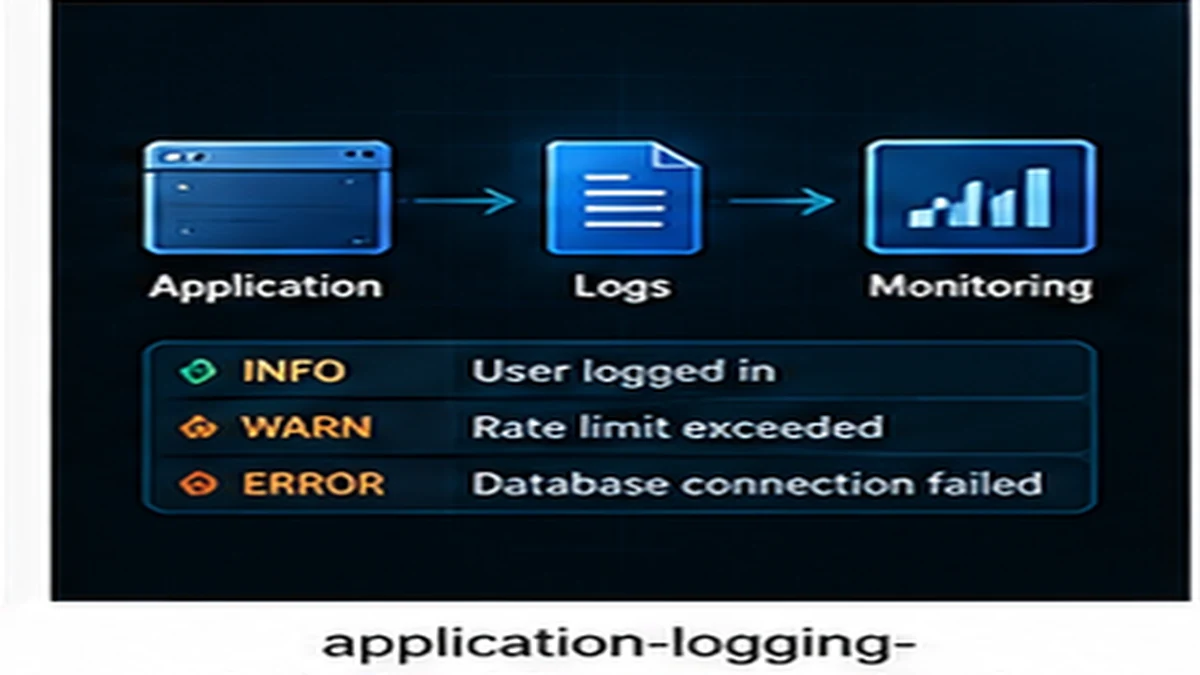
Good logs help diagnose problems quickly. Bad logs either hide critical information or produce so much noise that searching becomes impossible. Effective logging requires deciding what to log, how to structure logs, and how to control log volume without losing signal.
What to log
Log events that help reconstruct what happened during failures or security incidents.
Requests and responses
Log incoming requests with method, path, status code, response time, and user identifier. This enables tracing request flows and identifying slow or failed requests.
// Example: request logging
{
  "timestamp": "2026-11-08T14:32:15Z",
  "level": "info",
  "method": "POST",
  "path": "/api/orders",
  "status": 201,
  "duration_ms": 342,
  "user_id": "usr_12345",
  "ip": "192.0.2.45"
}
Errors and exceptions
Log all errors with stack traces, error messages, and context (user ID, request ID, resource ID). Include enough detail to reproduce the error.
Authentication and authorization events
Log login attempts, password resets, permission denials, and role changes. These logs detect attacks and support security audits.
State changes
Log changes to critical data: record creation, updates, deletions. Include who made the change and what changed. This supports auditing and debugging.
Structured logging
Structured logs use key-value pairs instead of free-form text. Structured logs are easier to search, filter, and aggregate.
JSON format
JSON is the standard format for structured logs. JSON logs can be parsed and indexed by log management tools.
// Good: structured JSON log
{
  "timestamp": "2026-11-08T14:32:15Z",
  "level": "error",
  "message": "Database connection failed",
  "error": "connection timeout",
  "host": "db.example.com",
  "port": 5432
}

// Bad: unstructured text log
"2026-11-08 14:32:15 ERROR Database connection to db.example.com:5432 failed: connection timeout"
Consistent field names
Use consistent field names across services. For example, always use user_id, not sometimes userId or user. Consistency simplifies searching across logs.
Log levels
Log levels categorize events by severity. Use log levels to control what gets logged in production.
Level guidelines
- DEBUG: Detailed diagnostic information. Useful during development, disabled in production.
- INFO: General informational events (request completed, service started).
- WARN: Potentially harmful situations (deprecated API used, retry triggered).
- ERROR: Errors that do not stop the application (failed request, third-party service down).
- FATAL: Critical failures that stop the application (database unreachable, out of memory).
Production log levels
Production environments typically log INFO and above. DEBUG logs generate excessive volume and expose sensitive details.
Common logging mistakes
Logging sensitive data
Do not log passwords, tokens, credit card numbers, or personal data. Logs are often stored insecurely and retained long-term.
// Bad: logging sensitive data
logger.info(`User login: ${username} password: ${password}`);

// Good: omit sensitive fields
logger.info(`User login: ${username}`);
Excessive logging
Logging every function call or variable change creates noise. Log events that matter: requests, errors, state changes.
Missing context
Logs without context are hard to interpret. Include user ID, request ID, resource ID, or session ID to connect related logs.
Inconsistent formatting
Mixing log formats (JSON, plain text, CSV) makes searching difficult. Choose one format and enforce it.
Log retention and storage
Logs consume storage. Define retention policies based on compliance requirements and debugging needs.
Retention tiers
- Hot storage: Recent logs (7–30 days) for active debugging.
- Cold storage: Older logs (3–12 months) for compliance and historical analysis.
- Archive: Long-term retention (1+ years) compressed and rarely accessed.
Log sampling
High-traffic systems generate massive log volume. Sample non-error logs to reduce costs while retaining errors and warnings.
Monitoring and alerting on logs
Logs support monitoring when aggregated into metrics and alerts.
Error rate alerts
Alert when error rates exceed thresholds. Sudden error spikes indicate incidents.
Audit log review
Regularly review authentication and authorization logs for suspicious activity: repeated login failures, unauthorized access attempts.
Logs are for future problems
Effective logging requires deciding what to log, using structured formats, controlling volume, and protecting sensitive data. Log what you will need to diagnose the next incident, not everything that happens. For deployment observability, see Observable Deployments.
Published by the DSSS Engineering Team. For corrections or topic requests, use the contact page.