
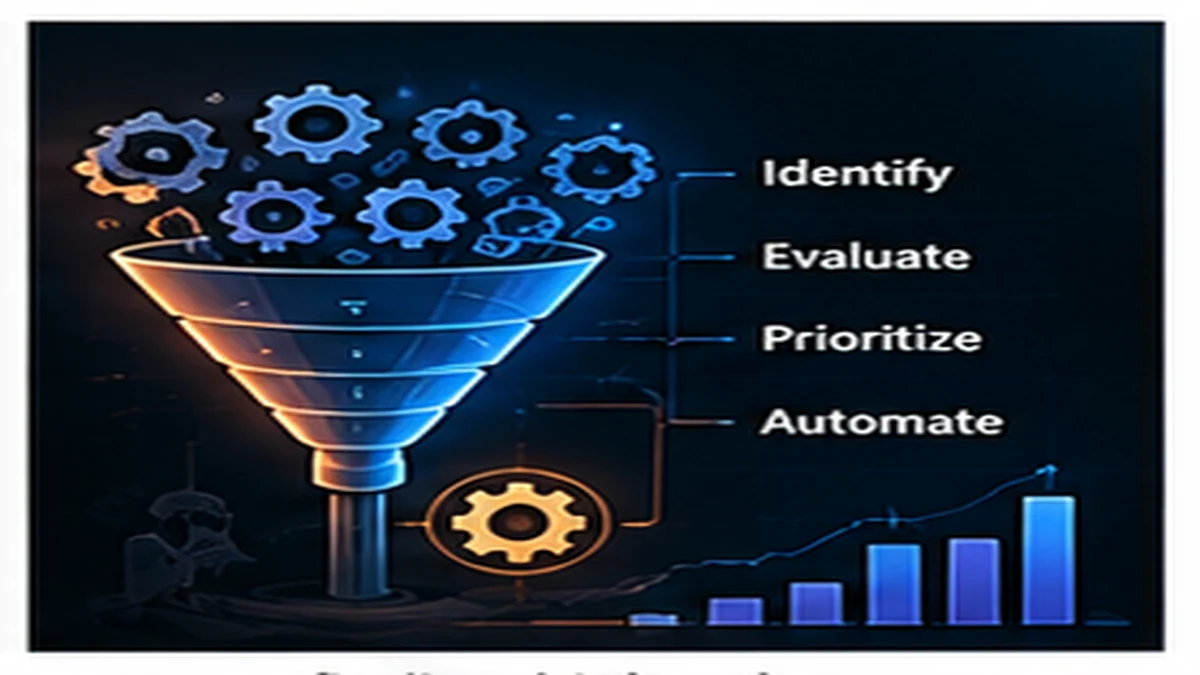
Not all automation delivers equal value. Some tasks save hours every week when automated. Others take longer to automate than they will ever save. The useful question is not "Can we automate this?" but "Which automation delivers the most value for the least effort?" High-value automation targets frequent, error-prone, time-consuming work with stable processes.
Start with repetitive work
Tasks performed daily or weekly create more automation value than tasks performed monthly or yearly. A five-minute task done twice daily adds up to 40 hours per year. Automating it saves real time.
Frequency matters more than duration
A 30-minute task performed quarterly saves 2 hours per year. A 5-minute task performed hourly saves 130 hours per year. Prioritize frequent tasks even if individual instances are quick.
Look for hidden repetition
- Copy-pasting data between systems
- Manual report generation
- Checking status across multiple tools
- Sending routine notifications
- Running the same queries or scripts
Target error-prone tasks
Manual work creates mistakes. Automation eliminates entire categories of errors.
Tasks that frequently go wrong
- Data entry: typos, wrong fields, missing values
- Configuration changes: incorrect settings, wrong environments
- Deployments: missed steps, wrong order, forgotten migrations
- Copy-paste workflows: stale data, partial updates
Cost of errors
Even infrequent tasks justify automation if errors are expensive. A deployment that happens weekly but causes downtime when done wrong may be worth automating immediately.
Eliminate handoffs and bottlenecks
Work that waits for manual approval or coordination between teams creates delays. Automation can remove these bottlenecks.
High-value handoff automation
- Approval workflows with clear criteria
- Status notifications between teams
- Data synchronization between systems
- Environment provisioning
Signals of bottlenecks worth automating
- Work sits in queues waiting for action
- One person becomes a single point of coordination
- Requests are delayed by manual scheduling
- Teams wait on each other for routine tasks
Focus on measurable time savings
The best automation candidates have clear, quantifiable time costs.
Calculate automation payback time
Estimate how long the task takes manually, how often it runs, and how long automation will take to build and maintain. Simple formula:
Payback time = Automation effort / (Manual time × Frequency)
If a task takes 30 minutes weekly and automation takes 8 hours to build, payback is 16 weeks. If the task runs daily, payback is under 3 weeks.
Include hidden costs
- Context switching (stopping other work to do the task)
- Waiting time (delays while the task is in progress)
- Rework (fixing errors from manual execution)
- Opportunity cost (what could be done with saved time)
Automate stable processes first
Automation works best when the underlying process is well-understood and unlikely to change frequently.
When automation is premature
- Process is still being defined or refined
- Requirements change frequently
- Exceptions are common
- Business rules are unclear
Automating an unstable process locks in current assumptions and creates maintenance burden when the process inevitably changes. Map the process first, let it stabilize, then automate.
Good automation candidates
- Process has been running the same way for months
- Steps are well-documented
- Exceptions are rare and well-defined
- Business rules are clear and unlikely to change
Consider exception handling complexity
Tasks with many edge cases require complex automation logic. Simple, predictable tasks automate cleanly.
Low-complexity automation
- Clear inputs and outputs
- Few or no edge cases
- Deterministic logic
- No human judgment required
High-complexity automation
- Requires interpreting unstructured data
- Many special cases and exceptions
- Decisions require context or judgment
- Failures need human intervention
High-complexity tasks may be better served by tools that assist humans rather than full automation.
Start small and iterate
The highest-value automation is often the simplest.
Quick wins to prioritize
- Shell scripts for repeated commands
- Scheduled jobs for routine checks
- Webhooks for cross-system notifications
- Templates for repetitive documents
- Simple API integrations
Avoid overbuilding
A 2-hour script that saves 10 hours per month is valuable immediately. A 2-month project to build a general-purpose automation platform may never pay back. Build the minimum automation that solves the immediate problem, then expand if usage justifies it.
A practical automation decision framework
Use this checklist to evaluate automation opportunities:
- How often does this task run? Daily, weekly, monthly, or less?
- How long does it take manually? Include prep time and cleanup.
- What is the error rate? How often does manual execution fail or produce incorrect results?
- What is the cost of errors? Downtime, rework, customer impact?
- Is the process stable? Has it remained consistent for months?
- How complex is automation? Simple script or multi-system integration?
- How long will automation take to build? Include testing and documentation.
- What is the payback time? How quickly does automation pay for itself?
- What is the maintenance burden? Will the automation require frequent updates?
- What is the opportunity cost? What else could be done with the saved time?
The goal is leverage, not automation for its own sake
Automation should free time for higher-value work. Prioritize frequent, error-prone, time-consuming tasks with stable processes and clear payback. Start with simple scripts and iterate. Avoid automating unstable processes or tasks that rarely run. For guidance on implementing automation safely, see Automation Patterns That Scale With Headcount.
Published by the DSSS Engineering Team. For corrections or topic requests, use the contact page.