
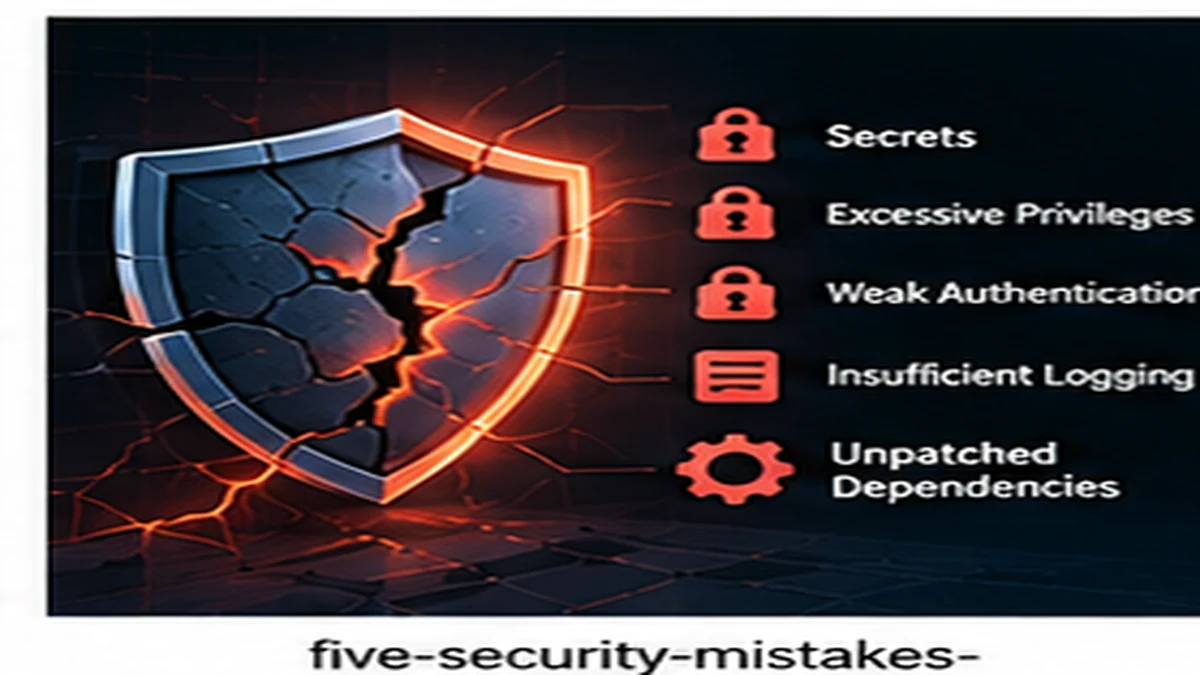
Most security breaches exploit preventable mistakes rather than sophisticated exploits. Applications that start small often skip security fundamentals under deadline pressure, then scale without revisiting those decisions. These five mistakes appear repeatedly in growing applications and are easier to prevent than to fix later.
1. Secrets in source code
API keys, database passwords, encryption keys, and access tokens do not belong in application code or version control. Yet hardcoded secrets remain one of the most common security failures.
Why this happens
Hardcoding credentials is fast. During early development, it seems easier to embed an API key in code than configure environment variables. This shortcut becomes permanent when nobody revisits it.
What goes wrong
- Secrets leak through version control history (even after deletion)
- Anyone with repository access gains production credentials
- Rotating compromised credentials requires code changes and deployments
- Developers accidentally push secrets to public repositories
How to fix it
- Use environment variables for all credentials and secrets
- Store production secrets in a secrets management service (AWS Secrets Manager, HashiCorp Vault, Azure Key Vault)
- Scan repositories for accidentally committed secrets (tools like git-secrets, trufflehog)
- Rotate any secret that was ever committed to version control
- Use different secrets for each environment (development, staging, production)
For comprehensive guidance, see Secrets Management Checklist for Small Teams.
2. Excessive privileges and overly permissive access
Applications often run with more permissions than necessary. Database users have write access when only reads are needed. Service accounts have admin privileges when specific permissions would suffice. Every excessive permission creates risk.
Principle of least privilege
Every component should have only the minimum permissions required to perform its function. A background job that generates reports does not need write access to user tables. A public API endpoint does not need admin database credentials.
Common permission mistakes
- Using root or admin database credentials for all application functions
- Running services with full filesystem access
- Granting cloud service accounts overly broad IAM policies
- Allowing API keys to access all endpoints rather than specific resources
How to implement least privilege
- Create separate database users for read-only, write, and admin operations
- Limit filesystem access to only required directories
- Use role-based access control with specific, scoped permissions
- Review and tighten cloud IAM policies regularly
- Segment production access from development and staging access
3. Weak authentication and authorization boundaries
Authentication (who you are) and authorization (what you can do) must be enforced correctly at every boundary. Mistakes in these areas allow unauthorized access to sensitive data and functions.
Common authentication and authorization mistakes
- Trusting client-side checks: relying on UI to enforce permissions rather than server-side validation
- Missing authorization checks: verifying identity but not checking if the user should access the resource
- Broken object-level authorization: users can access other users' data by changing IDs in URLs
- Insecure direct object references: exposing internal IDs without access control
- Weak session management: sessions that do not expire, predictable tokens, or insecure storage
How to fix authentication and authorization
- Enforce all permission checks server-side; never trust client input
- Check both identity (who) and permission (can they access this resource?)
- Validate that users can only access their own data or explicitly shared resources
- Use secure session tokens with expiration and rotation
- Implement proper logout that invalidates sessions
- Log authentication and authorization failures for monitoring
For more on building secure authorization, see Security-First API Design.
4. Insufficient logging and monitoring
Security incidents are inevitable. The question is whether you can detect and respond to them. Applications that do not log security events cannot identify breaches, diagnose attacks, or meet compliance requirements.
What security events to log
- Authentication attempts (successful and failed)
- Authorization failures (attempts to access forbidden resources)
- Account changes (password resets, permission changes, account creation)
- Sensitive data access (viewing PII, financial data, admin functions)
- Configuration changes (system settings, feature flags, security policies)
- API errors and exceptions
What not to log
- Passwords or credentials
- Payment card data
- Personally identifiable information in plaintext
- Session tokens or API keys
Logging best practices
- Include timestamps, user IDs, IP addresses, and request identifiers
- Use structured logging (JSON) for easier parsing and alerting
- Centralize logs to prevent tampering
- Set up alerts for suspicious patterns (repeated failed logins, privilege escalation attempts)
- Retain logs long enough to investigate incidents and meet compliance requirements
5. Dependency and patch neglect
Modern applications depend on hundreds of libraries and frameworks. Vulnerabilities discovered in dependencies affect every application using them. Ignoring updates and patches creates avoidable risk.
Why dependencies are security risks
- Popular libraries are attractive targets for attackers
- Known vulnerabilities are publicly documented with exploitation guides
- Unpatched dependencies remain vulnerable indefinitely
- Supply chain attacks can inject malicious code into trusted packages
How to manage dependency security
- Use dependency scanning tools (Dependabot, Snyk, npm audit, pip-audit)
- Enable automated security updates for minor and patch versions
- Review and test major version updates
- Remove unused dependencies to reduce attack surface
- Pin dependency versions and update deliberately rather than using floating versions
- Monitor security advisories for critical libraries
Patching strategy
- Critical vulnerabilities: patch immediately (within days)
- High-severity vulnerabilities: patch within weeks
- Medium and low severity: patch during regular maintenance cycles
- Zero-day exploits: have a process to deploy emergency patches quickly
How to prioritize security improvements
If your application has multiple security gaps, start with the highest-risk issues:
- Remove secrets from source code (immediate risk of credential theft)
- Fix broken authorization (prevents unauthorized data access)
- Patch critical vulnerabilities (known exploits are actively used)
- Implement logging (enables detection and response)
- Apply least privilege (reduces blast radius of future breaches)
Security is not optional for growing applications
These five mistakes are preventable with deliberate attention. Remove secrets from code, enforce least privilege, implement proper authorization, log security events, and keep dependencies patched. Addressing these fundamentals makes applications substantially more secure without requiring specialized security expertise. For broader security principles, see Security for Growing Products.
Published by the DSSS Engineering Team. For corrections or topic requests, use the contact page.