
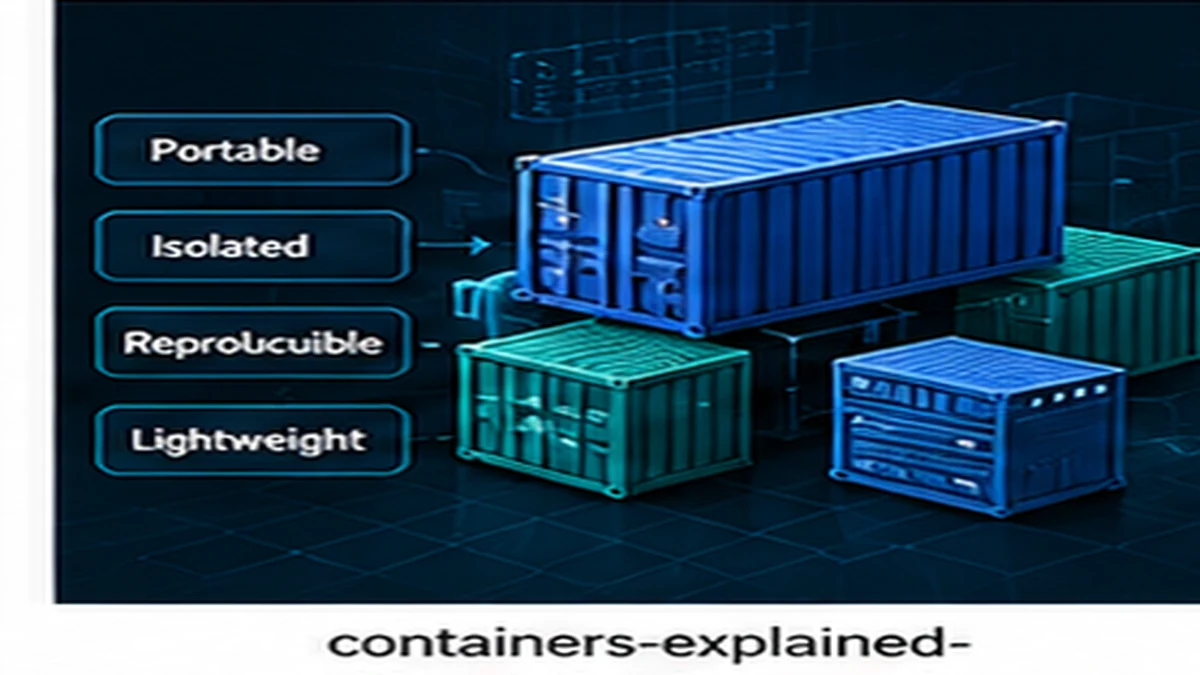
Containers package applications with their dependencies so they run the same way across different environments. They solve real problems with consistency and isolation, but they are not a requirement for every deployment. Containers are useful when you need reproducible environments, not when you need a deployment strategy.
What containers are
A container is a process running on a host operating system, isolated from other processes. Containers share the host kernel but have their own filesystem, network, and process tree.
Container images
Images define the filesystem and environment for containers. Images are built in layers, allowing reuse and efficient storage. A Dockerfile specifies how to build an image:
FROM node:20-alpine
WORKDIR /app
COPY package*.json ./
RUN npm ci --only=production
COPY . .
EXPOSE 3000
CMD ["node", "server.js"]
This creates an image containing Node.js, dependencies, and application code.
Containers versus virtual machines
Virtual machines run a full guest operating system on virtualized hardware. Containers share the host OS kernel.
Resource usage
Containers start faster and use less memory than VMs because they do not boot an entire operating system. A VM may take minutes to start and require gigabytes of memory. A container starts in seconds and uses megabytes.
Isolation level
VMs provide stronger isolation because the guest OS is separate from the host. Containers share the kernel, so kernel vulnerabilities affect all containers on the host.
When containers help
Containers solve specific problems related to environment consistency and dependency management.
Environment parity
Containers ensure development, testing, and production environments run the same code with the same dependencies. This reduces "works on my machine" problems.
Dependency isolation
Different applications can require conflicting dependency versions. Containers isolate dependencies so applications do not interfere with each other.
Horizontal scaling
Containers can be started quickly, making them suitable for workloads that need to scale up and down frequently. Container orchestrators like Kubernetes automate scaling based on load.
When containers complicate deployment
Containers introduce operational complexity. Teams should evaluate whether the benefits outweigh the overhead.
Simple deployments
If you deploy a single application to a small number of servers, containers may add more complexity than they remove. Deploying binaries or code directly is simpler.
Learning curve
Docker, image registries, orchestration tools, and networking require training. If the team lacks container experience, the learning cost may delay delivery.
Persistent data
Containers are ephemeral by design. Managing databases or stateful services in containers requires additional tooling like volume management and backup strategies.
Common container patterns
Single process per container
Containers should run one primary process. This makes containers easier to scale, replace, and debug. Avoid running multiple services in one container.
Immutable infrastructure
Do not modify running containers. If changes are needed, rebuild the image and redeploy. This ensures deployments are reproducible.
Health checks
Define health checks so orchestrators know when containers are ready for traffic. Health checks prevent routing traffic to containers that are still starting or have failed.
Container security
Containers introduce security considerations distinct from traditional deployments.
Image vulnerabilities
Base images may contain known vulnerabilities. Use minimal base images like Alpine Linux and scan images regularly. Tools like Trivy and Snyk identify vulnerabilities in images.
Least privilege
Run containers as non-root users. Default root permissions inside containers increase risk if the container is compromised.
Network policies
Restrict network traffic between containers. By default, containers can communicate freely, which may expose internal services unintentionally.
Container orchestration
Orchestration tools manage container deployment, scaling, and networking across multiple hosts. Kubernetes is the dominant orchestrator, but it introduces significant operational complexity.
When orchestration matters
Orchestration is useful when you need automated scaling, self-healing, and multi-host deployment. If you run a handful of containers on a single server, orchestration is unnecessary.
Containers solve real problems
Containers provide environment consistency, dependency isolation, and scaling flexibility. They add operational complexity and are not required for every deployment. Evaluate whether your problem requires containers or whether simpler deployment methods suffice. For deployment practices that complement containerization, see Minimum Viable DevOps.
Published by the DSSS Engineering Team. For corrections or topic requests, use the contact page.